SOLUTIONS
Not sure what you need yet?
Answer four questions about your team and situation. You'll get tailored advice.
Start the selection guide

SOLUTIONS
Business workplaces
Laptops and screens, ready to use
Meeting rooms
Screens and cameras that work
No proper meeting room yet?
We'll take a look and propose a suitable set-up.

SOLUTIONS
Business internet
Fast and stable, with a fixed SLA
Wi-Fi network
Coverage in every corner of your building
Network management
We spot problems before you notice them
Doubts about your speed?
We measure your current connection and coverage for free.

SOLUTIONS
ICT security
Threats detected early
Secure communication
Encrypted email and file sharing
Backup & recovery
Always a way back
Do you know what's in place?
Request a free quick scan of your current security.

Many organisations only use Zoom for meetings. Yet telephony, chat and a contact centre sit in the same environment. We set it up and support the team.
Meet, call and chat without switching apps
Expand to telephony or a contact centre later
Works with Microsoft and Google


Zoom Gold PartnerOfficial partner in the Zoom Up programme
This is what we hear most often from teams that have had Zoom for years.
Meetings go through Zoom, calls through a separate phone system and chat somewhere else again. Three places to look things up.
There are licences running for people who no longer work there, and nobody looks at them anymore.
The meeting room sometimes works and sometimes doesn't, and nobody knows who to contact then.

Calls, chats and meetings sit in the same history. Nobody has to remember which channel something went through to find it again.


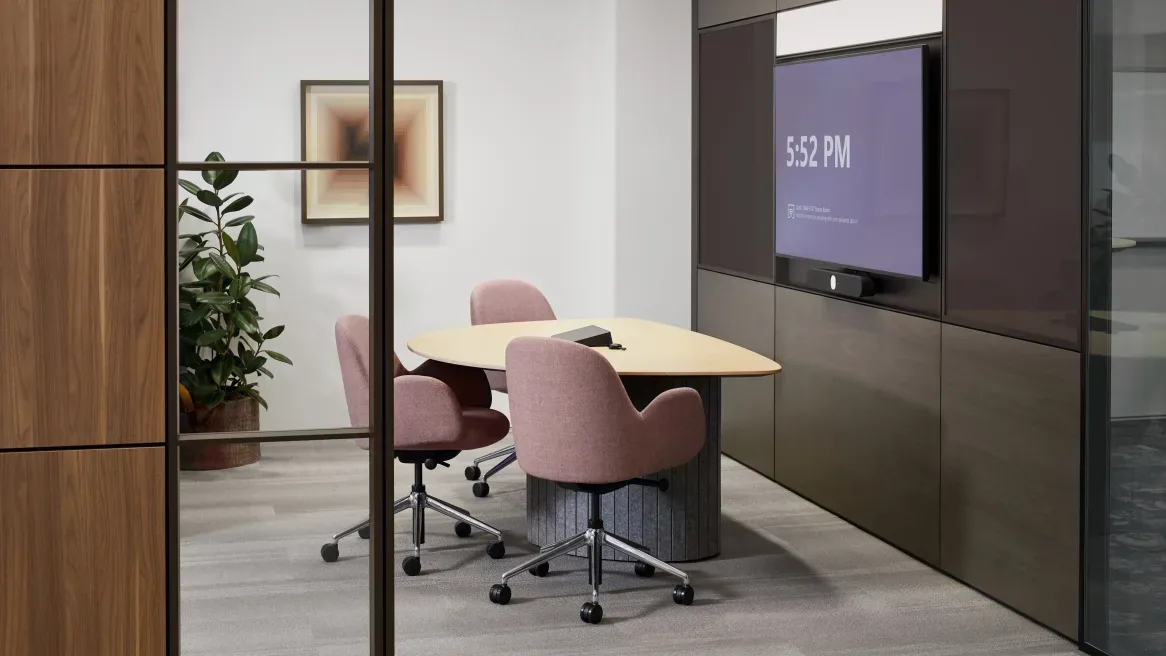
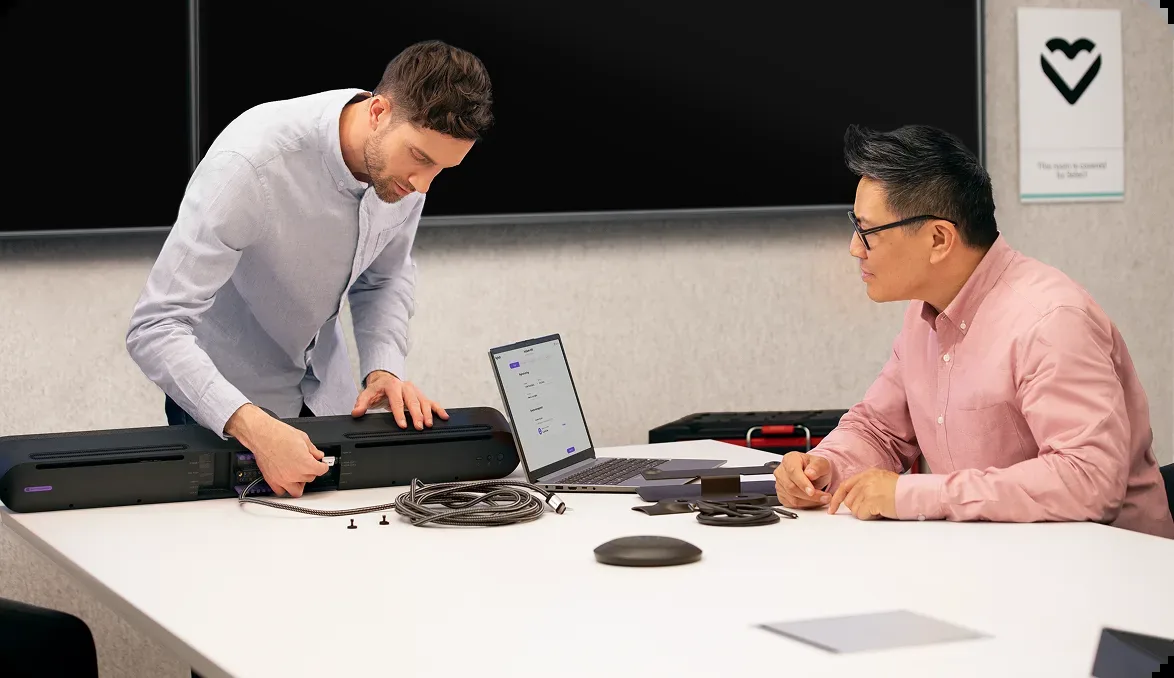
We link the meeting rooms to the same account, so a meeting starts with one button. If something goes wrong with the equipment, we come by.
Start with meetings, add telephony when your organisation is ready and expand to a contact centre once customer contact becomes a profession. Always the same platform.

Which licences there are, what's used and what's left lying around.
Accounts, calendar integration and meeting rooms set up and tested.
Telephony or a contact centre added when your organisation is ready, in the same app.
We support the team and adjust licences as it grows or shrinks.
Stay as you are, or get more out of Zoom?
Indication
The costs consist of the Zoom licence plus an amount for management and support. Meetings only is cheaper than meetings with telephony added. In the consultation we work it out for you.
Request a price indication
Included
Advice on which licence you really need
Set-up of accounts and meeting rooms
Calendar integration with Microsoft or Google
Expansion to telephony or contact centre
Licences adjusted as the team grows or shrinks
A dedicated contact who comes on site
Do we need to move away from Microsoft or Google to use Zoom?
Zoom works alongside both Microsoft and Google. So switching isn't necessary to use Zoom: we connect it to your existing calendar and email.
What happens to our existing data?
It stays where it is. If telephony is added, we port your existing numbers to Zoom, so customers keep calling the same number.
Can you manage our current environment too?
Yes. We take over your existing Zoom account, clean up licences that are no longer used and manage it from then on.
How quickly is a new employee set up?
A Zoom account is ready the same day. If the colleague also needs a phone number, we link it straight away.
Send us your licence overview. We'll look at what's used, what stays unused and what else is possible. In half an hour you'll know where your organisation stands.