IPCloud
+31 10 767 0477
NL|EN
Consultation

Menu

Close menu ✕

About IPCloud

ApproachProjectsKnowledge (Dutch)Contact

Home / Workplace & meetings / Meeting rooms

Meetings without technical interruptions

Screens and cameras that work reliably, in every room, on every platform. So every meeting starts on time.

Press one button and the meeting is running

Works with Teams, Zoom and Google Meet in the same room

Everyone at the table clearly heard, including those at home

400+organisations helped
< 2 hrsaverage response time
3platforms in the same room
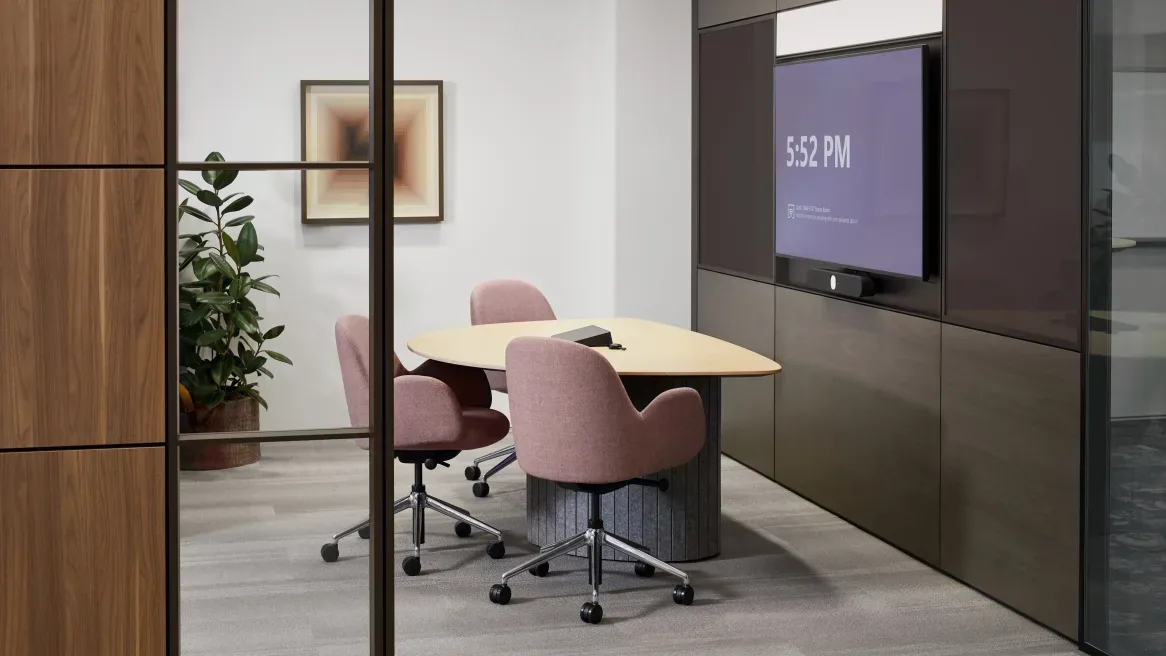
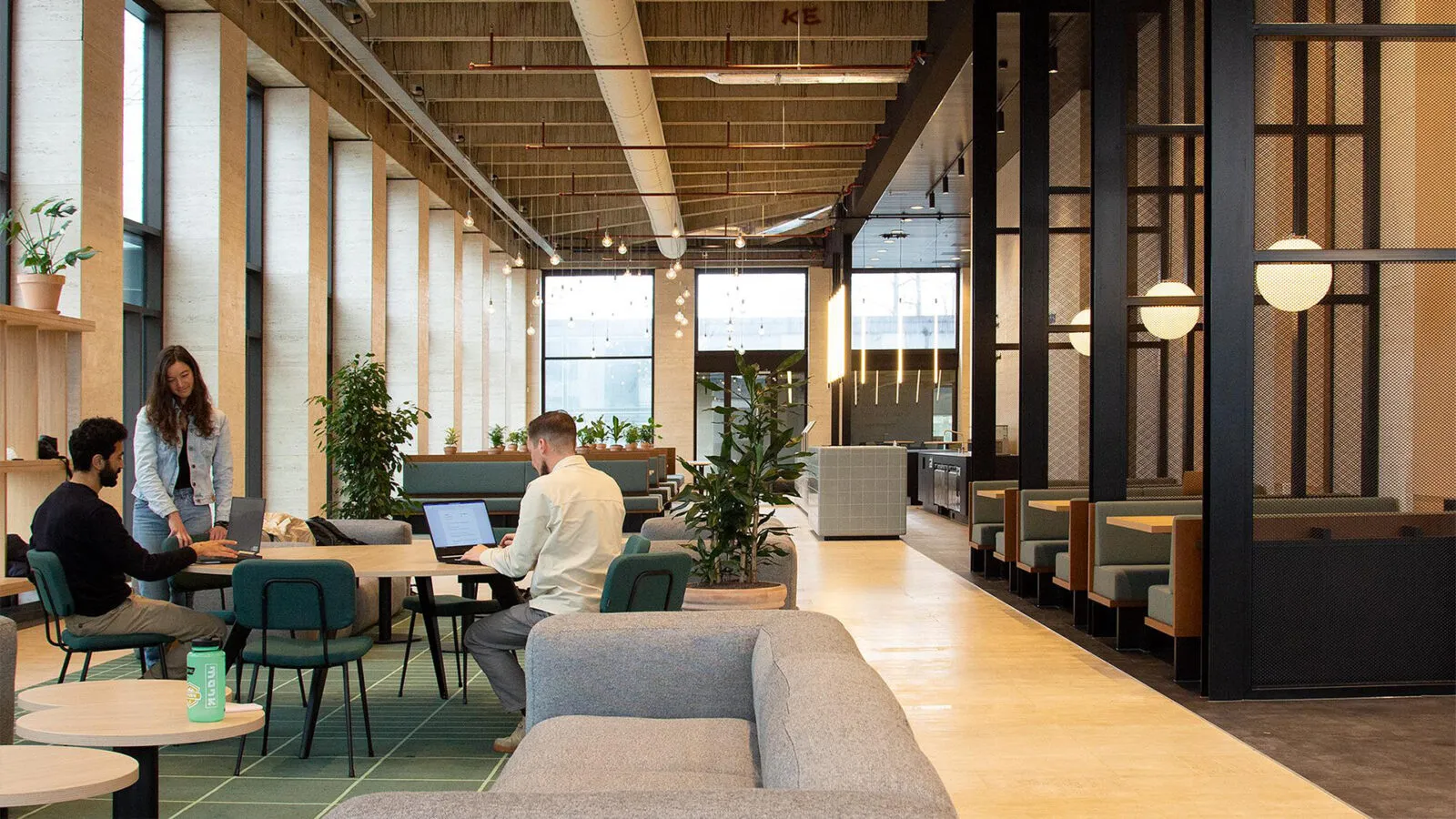
Vergaderruimte met groot scherm en videobar voor hybride overleg
from €500per room, one-off
How does a meeting start for you?

The first ten minutes go to technology.

This is what we hear most often from organisations whose meeting rooms don't work reliably.

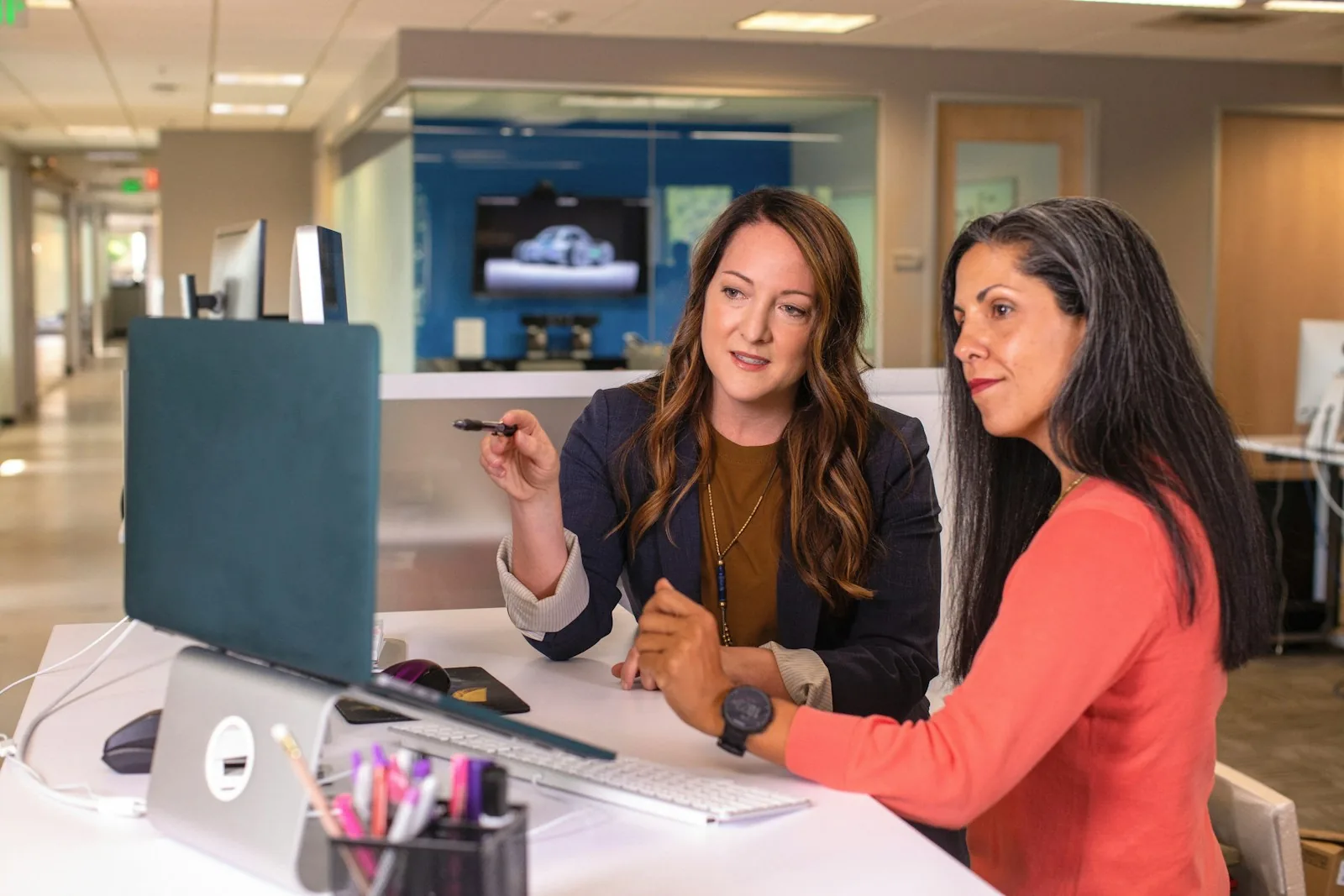
Someone looks for the right cable while the rest watch. The client on screen waits too.

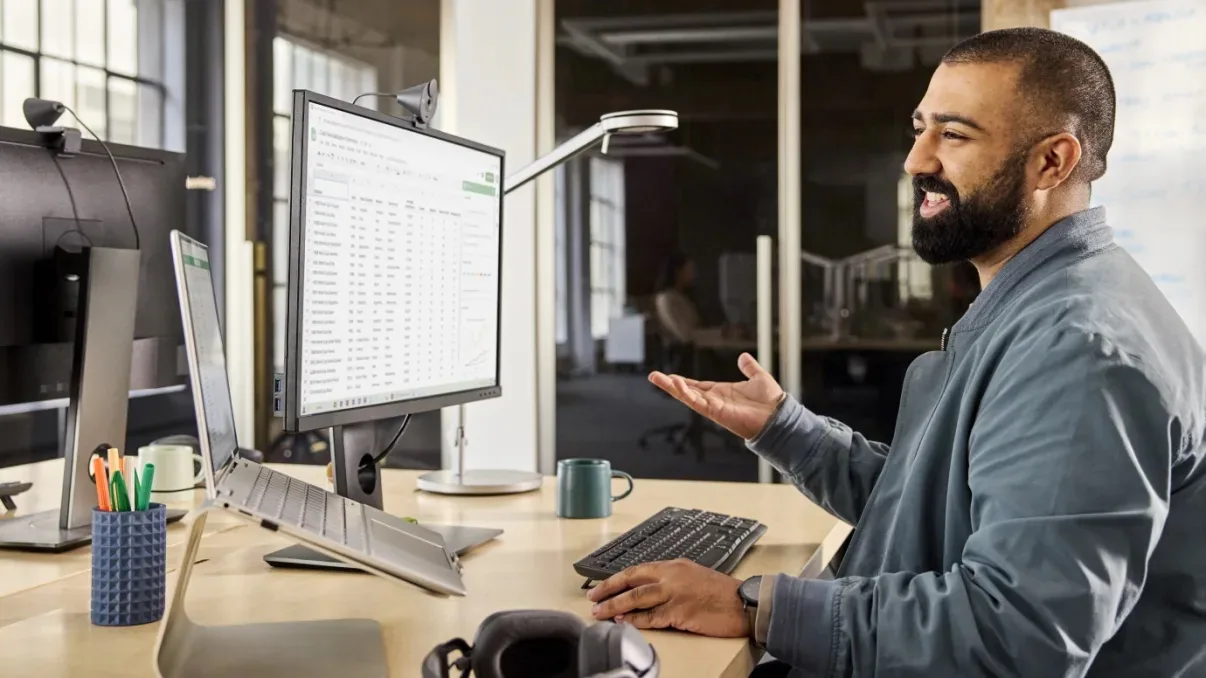
One client meets in Teams, another in Zoom. Every time someone has to figure out how it works again.

Whoever sits at the end of the table can barely be heard, so they just don't join in.

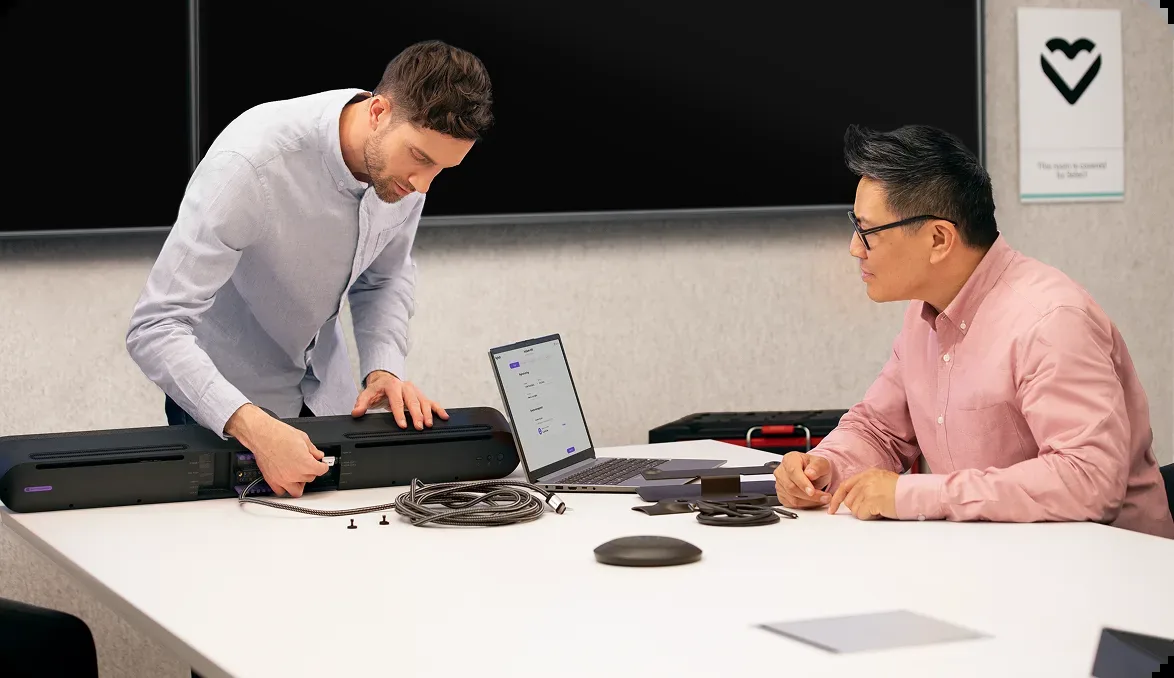
Technicus installeert een videobar in een vergaderruimte
Organisations that went before you
Vergaderen met collega's op afstand
“

During events, we no longer notice any outages.

Rotterdam Festivals

Meetings and workplaces via IPCloud

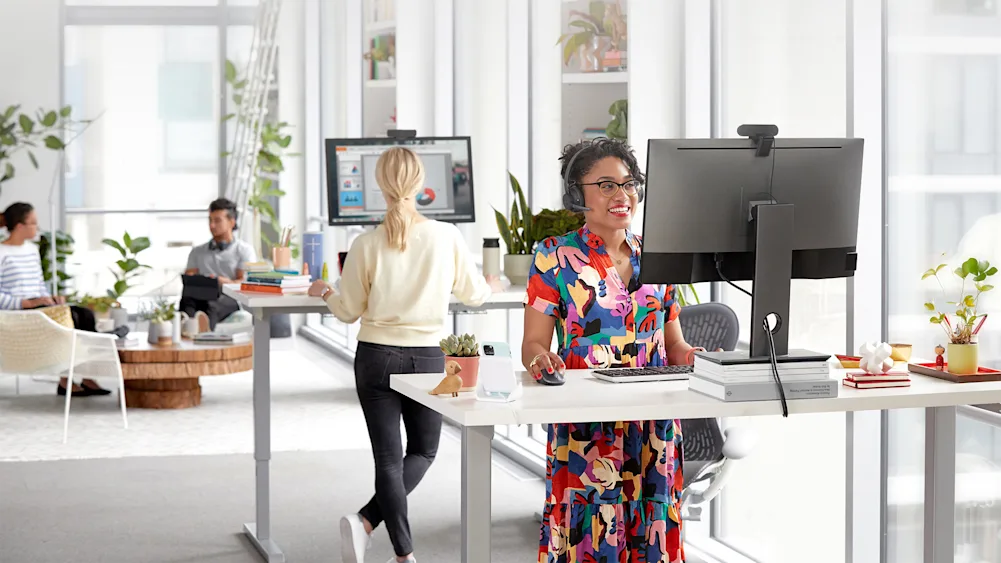
Overleg op kantoor
“

Excellent service and flawless performance.

Toker Administratie

Telephony and workplaces via IPCloud

←
→
How it works in practice

One button, and the meeting begins.

The room's calendar is on the screen. One tap on the meeting and the connection starts, with no cables, logins or hunting for the right app.

Vergaderruimte klaar voor gebruik
Vergaderen op verschillende platformen

Teams, Zoom or Google Meet in the same room.

The client chooses the platform, without anything needing to be arranged. The room works with all three, so explaining that it works differently here is never needed again.

Everyone heard, and nobody has to take minutes.

The camera follows whoever is speaking and the microphones pick up the whole table. Teams, Zoom and Google Meet can then produce a summary with the agreed actions, so nobody has to keep track of the conversation.

Camera en microfoons in de vergaderruimte
How the set-up works

01

Surveying the room

We survey the room: how big it is, how many people, where the light comes from and where the table is.

02

Tailored proposal

You get a proposal with a screen, camera and microphones that suit the room, including cabling.

03

Installation

We mount and connect everything, link the room to the calendar and test with all three platforms.

04

On-site walkthrough

We come by and show the team how it works. If something goes wrong later, we come by to fix it.

Stay as you are, or set it up properly?

How it goes now
With IPCloud
Starten
First hunting for cables and settingsOne button and the meeting is running
Platforms
It works differently per platformTeams, Zoom and Google Meet in the same room
Geluid en beeld
Those at the back can't be heardThe camera follows the speaker, microphones pick up the table
Beheer
Nobody knows who manages the roomIf there's a problem, we come by
Apparatuur
Odds and ends bought at different timesOne proposal, including installation and walkthrough
Five things that slow down every meeting right now.A room that works for everyone.
Book a consultation →
What it costs

Indication

from €500per room, one-off

For a small huddle room a video bar is enough: camera, speaker and microphones in one device. Larger rooms need separate microphones and a second screen. You'll get a fixed amount in the consultation.

Request a price indication
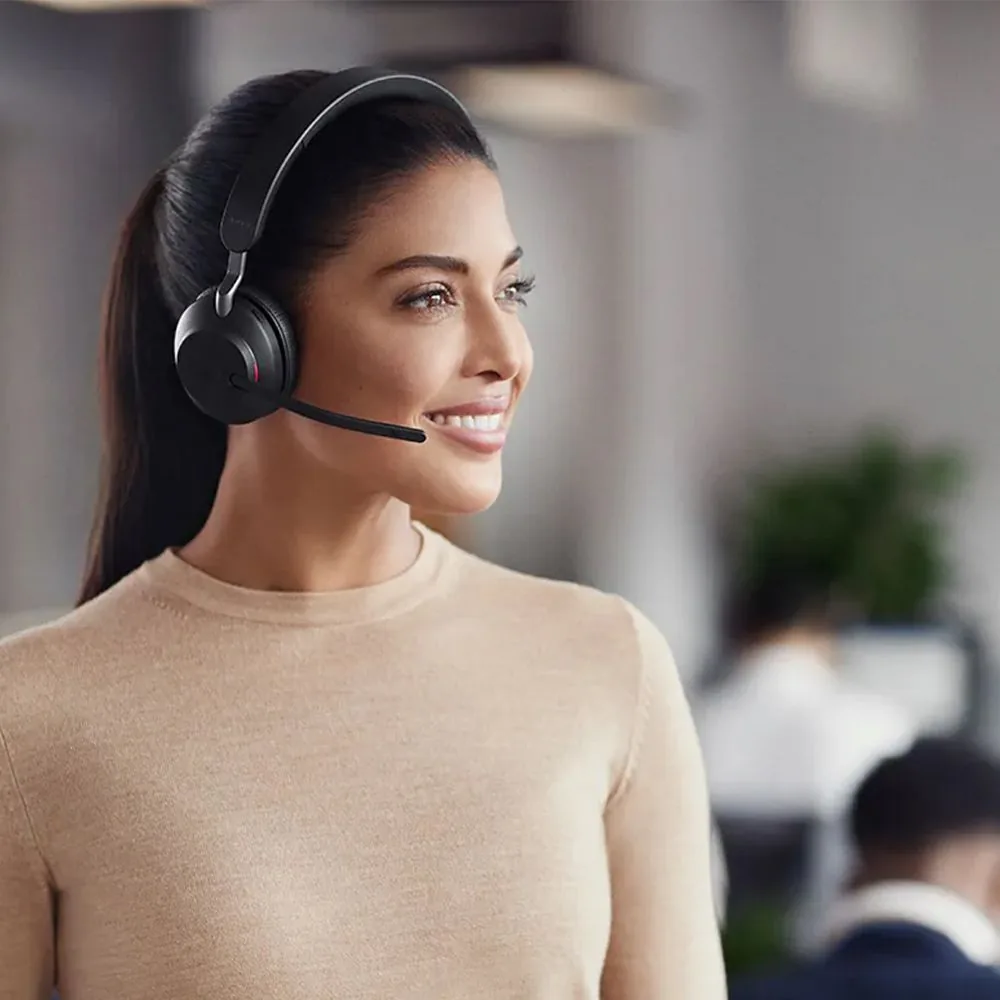
Medewerker met headset helpt klanten vriendelijk verder

Included

Video bar or separate equipment, suited to the room

Mounting and cabling, neatly concealed

Calendar integration and automatic meeting summary

Teams, Zoom and Google Meet set up and tested

On-site walkthrough for the team

A dedicated contact who comes on site

Questions about meeting rooms

Does this work with our existing screens?

+

Usually, yes. If there's already a screen with an HDMI connection, we connect the video bar to it. If the screen is older than about eight years, we recommend replacing it — not because you have to, but because image quality then becomes the weakest link.

Can we have rooms set up without a subscription?

+

Yes. The room can be set up as a one-off, with no follow-up. If you do need support afterwards, we agree on a form of management that suits your organisation.

How long does installation take?

+

We usually do a small huddle room with a video bar in half a day. If cabling needs concealing or a second screen is added, it's a full day's work. We schedule it outside the busiest times.

Does your team get training too?

+

We come by and walk through it with everyone who uses the room. It takes less than an hour, because when it's set up properly, only one button is needed. After that we stay reachable for questions for the first few weeks.

Can we get minutes of the meeting?

+

Yes, but that doesn't come from the equipment. Teams, Zoom and Google Meet create a summary of the points discussed and agreed actions themselves. Whether that feature is available depends on the licence; in the consultation we check which licence you have and what it allows.

Also interesting
Get started

Which room is up first?

We'll come by, survey the room and show you what fits. You'll get a proposal with a fixed amount, including installation.

Book a consultation
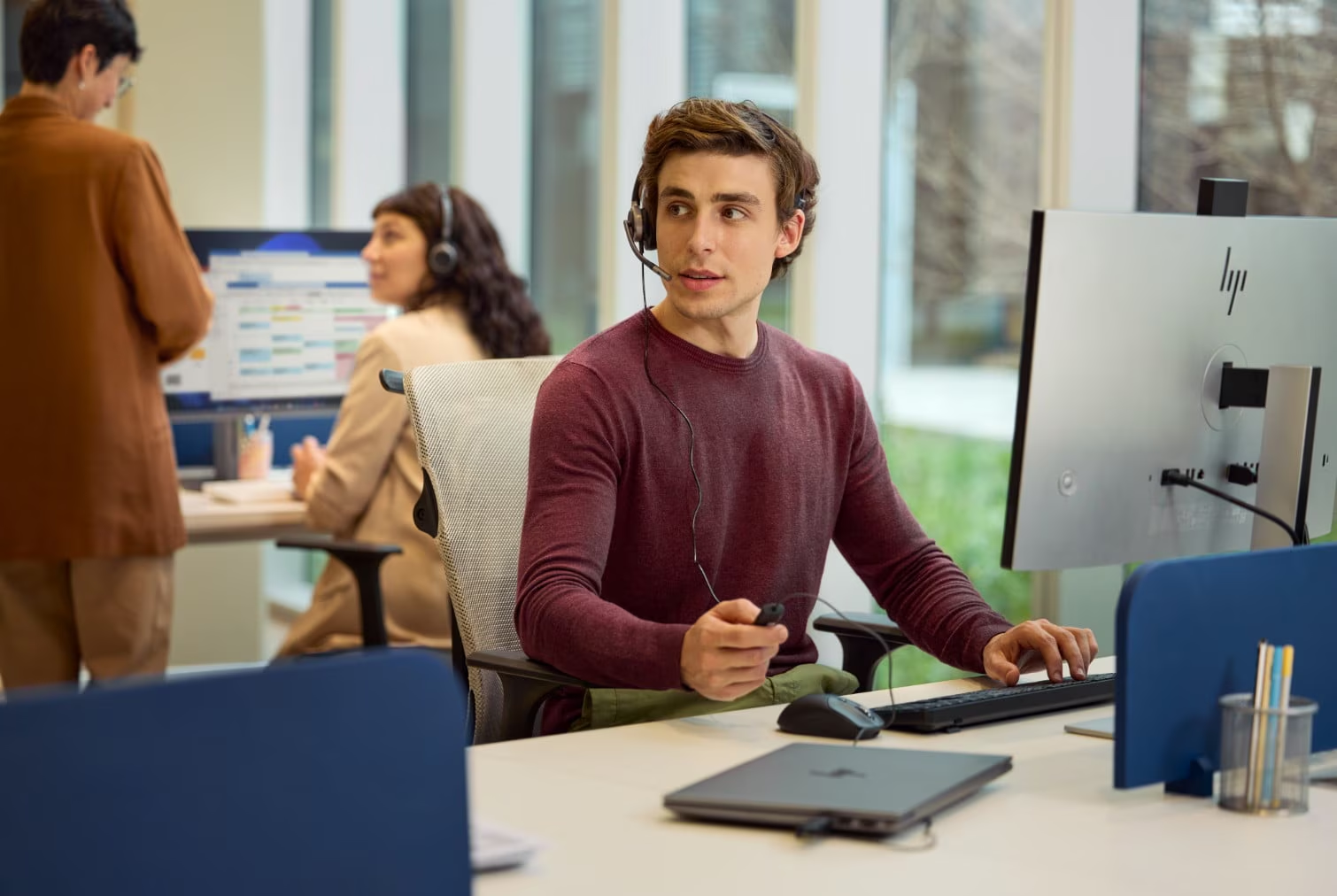
Adviesgesprek op locatie